
The NexBlue Point 2 is a wall-mounted, single-phase EV charger delivering up to 7.4kW, featuring dynamic load balancing, solar surplus charging, and ISO 15118 compliance for bi-directional (V2G) and Plug and Charge capability. It also includes tri-connectivity via Wi-Fi, Ethernet, and a built-in 4G eSIM, along with a MID-certified meter, making it a feature-rich option at its price point.
https://nexblue.com/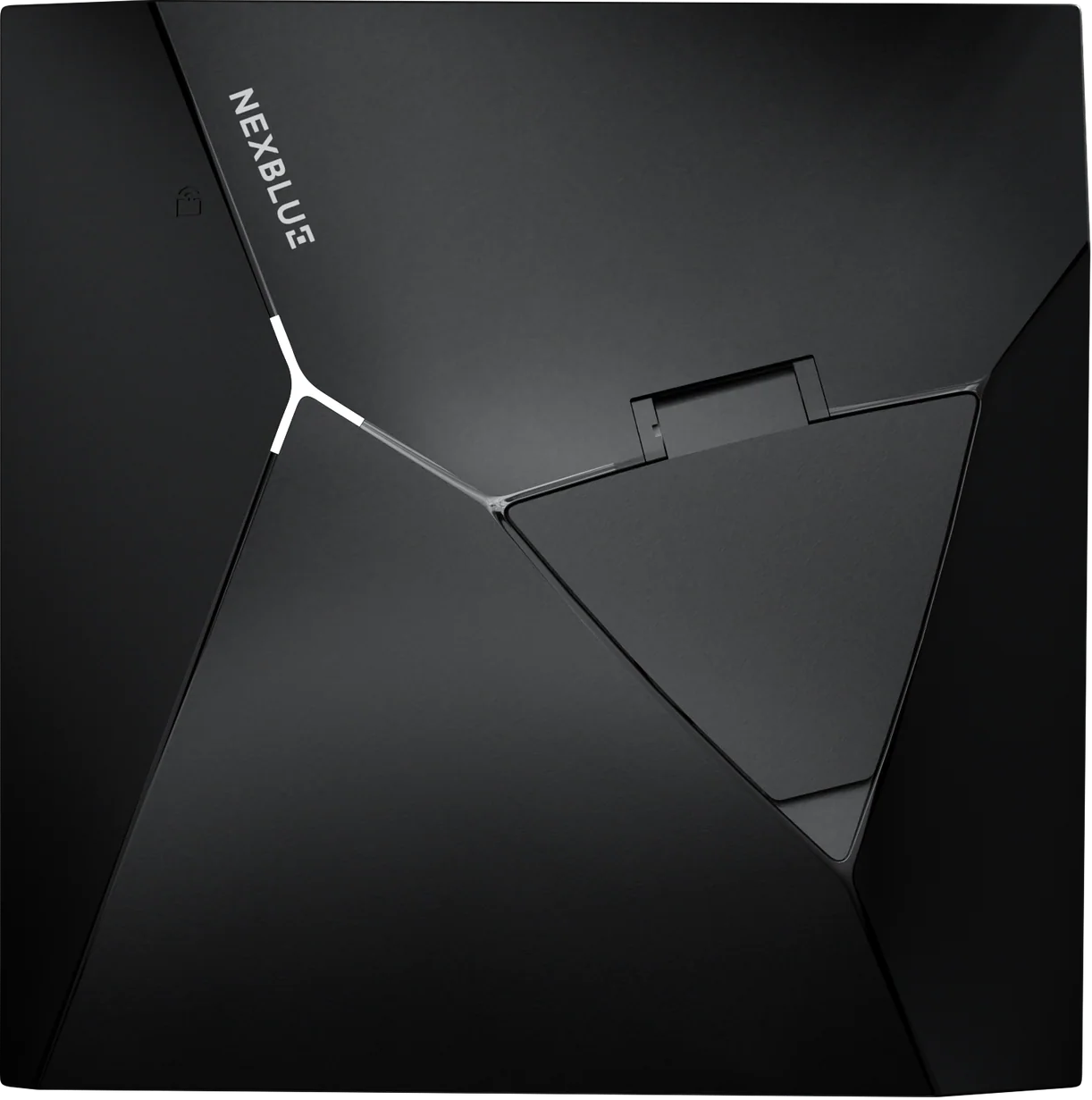
Once you have installed and powered on the Point 2 NexBlue EV chagrer, download the NB Partner app
Follow steps on the NB Partner app to configure the Point 2 (refer to Installation tips) below to ensure the installation and load management configurations are performed correctly. Important: this will affect the charging experience if not done correctly.
In the initial location creation page, select "Voltshare" as the Operator.
Place the QR code sticker on the top right of the EV Charger; we cannot guarantee a seamless driver experience if the QR code sticker is placed elsewhere e.g. do not place it on the wall or on the post.
Affix the aluminium di-bond sign on the wall or post; this provides the driver with clear instructions on how to charge; as above, we cannot guarantee a seamless driver experience if this is not done.