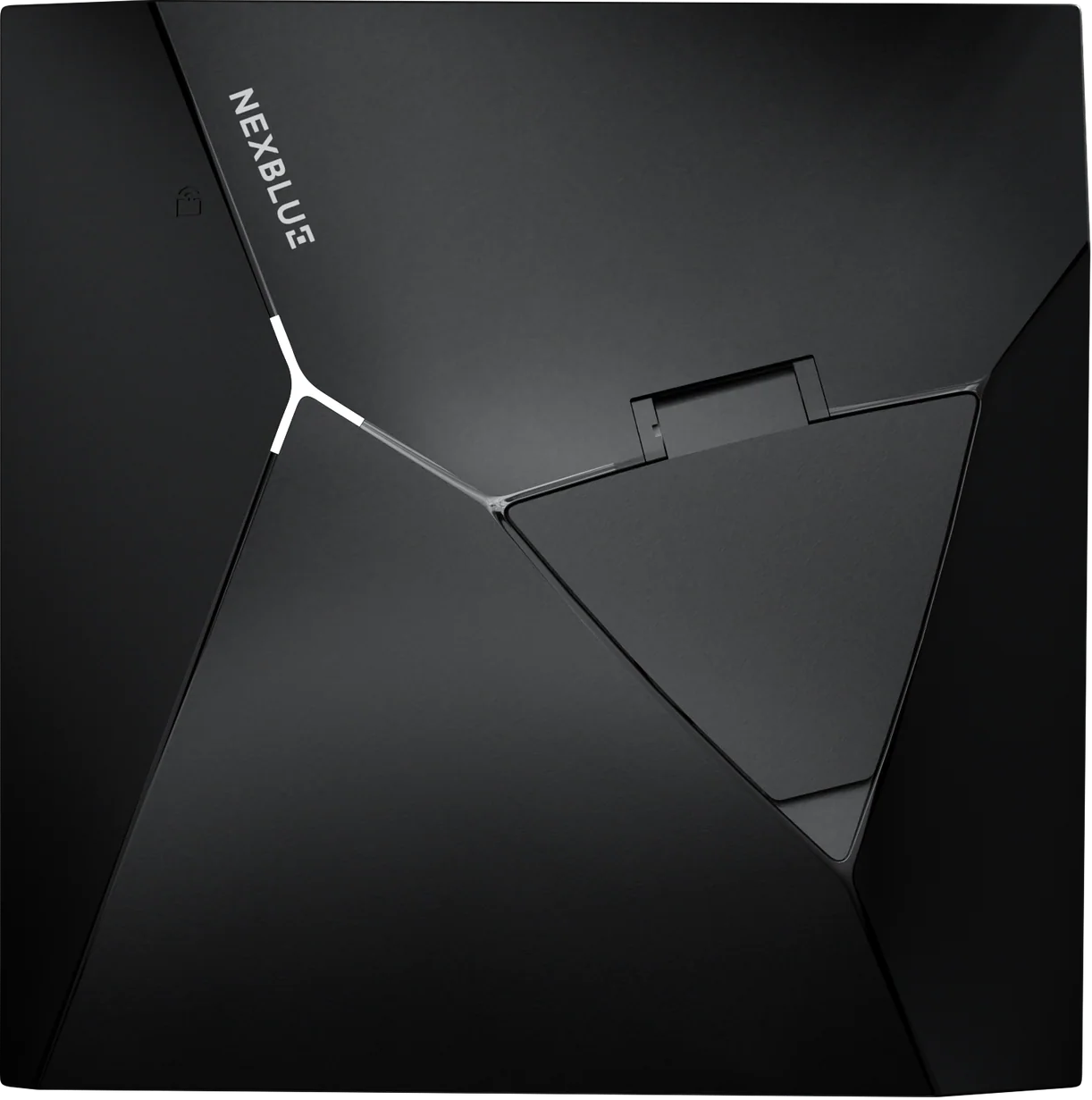
The NexBlue Point 2 is a sleek, feature-packed home EV charger delivering up to 7.4kW, with smart tariff scheduling, solar charging, V2G capability, and built-in 4G.





Once you have installed and powered on the Point 2 NexBlue EV charger, download the NB Partner app
Follow steps on the NB Partner app to configure the Point 2 (refer to Installation tips) below to ensure the installation and load management configurations are performed correctly.
Important: this will affect the charging experience if not done correctly.
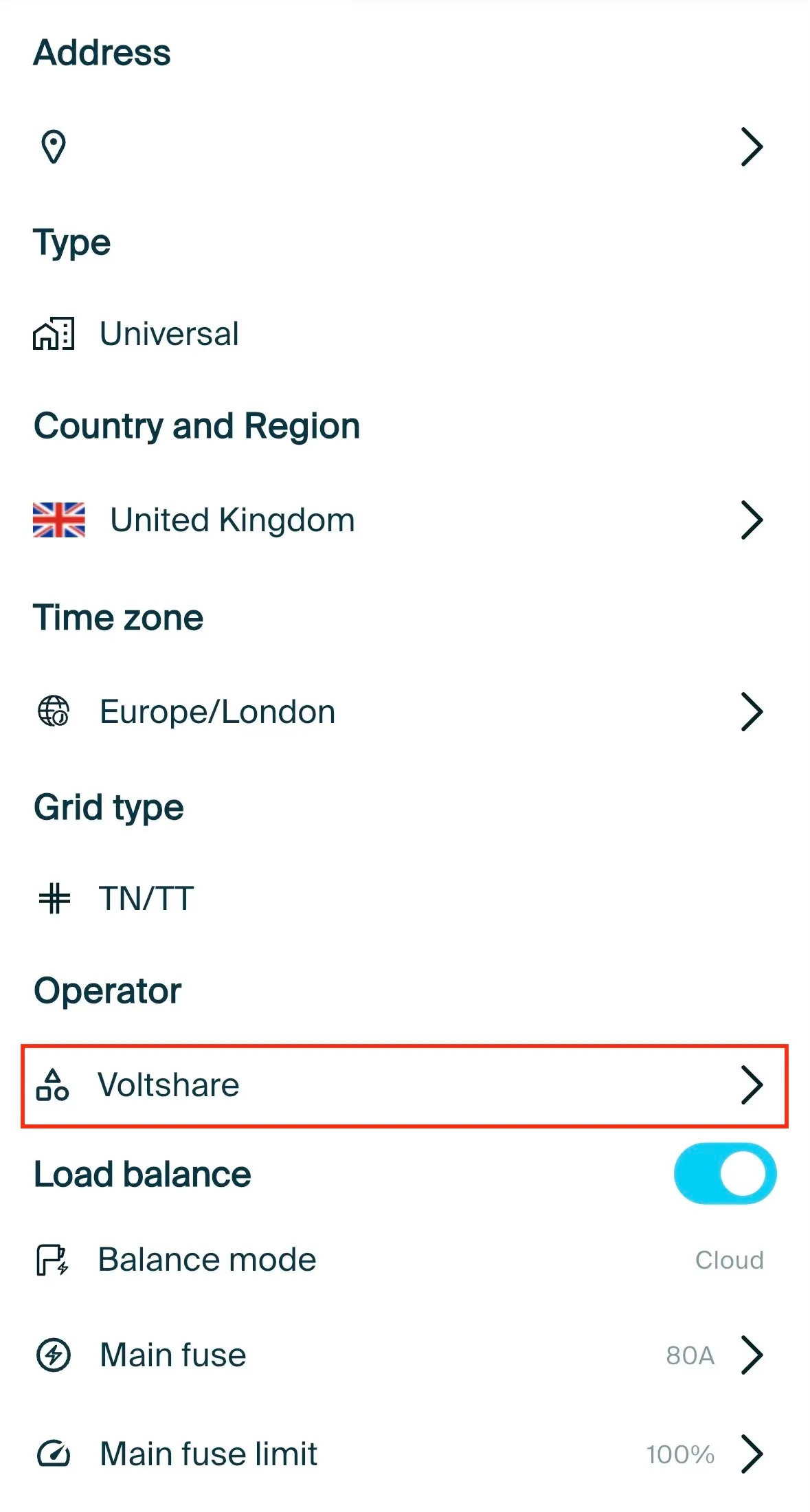
In the initial location creation page, select "Voltshare" as the Operator.
Place the QR code sticker on a flat surface of the EV charger; we cannot guarantee a seamless driver experience if the QR code sticker is placed elsewhere e.g. do not place it on the wall or on the post.
Affix the aluminium di-bond sign on the wall or post; this provides the driver with clear instructions on how to charge; as above, we cannot guarantee a seamless driver experience if this is not done.
Call 0808 303 0629 and provide us with the following details to confirm the EV charger is live on our platform.
voltshare Charger ID: found on the QR code sticker
Serial No: found on the asset label of the EV charger or installation manual
PIN: found on the installation manual
Keyfob ID: found on the RFID tag
Take photos of the install and charger ID, parking space, and fuseboard from where the EV charger is wired. These help us provide owners and drivers more personalised experience.
The owner must now register the voltshare Charger ID on their app.
If you have already set up and configure your EV charger previously and you're now moving from a different backoffice provider to voltshare, you'll need to use the NexBlue app or partner app to make this change.
In the location creation page, select "Voltshare" as the Operator. You can find this page by clicking on the settings icon. Depending on which backoffice provider you were with, you may need to disable the 'link' on their platform as well.
Place the QR code sticker on a flat surface of the EV charger; we cannot guarantee a seamless driver experience if the QR code sticker is placed elsewhere e.g. do not place it on the wall or on the post.
Affix the aluminium di-bond sign on the wall or post; this provides the driver with clear instructions on how to charge; as above, we cannot guarantee a seamless driver experience if this is not done.
Call 0808 303 0629 and provide us with the following details to confirm the EV charger is live on our platform.
voltshare Charger ID: found on the QR code sticker
Serial No: found on the asset label of the EV charger or installation manual
PIN: found on the installation manual
Keyfob ID: found on the RFID tag
Take photos of the install and charger ID, parking space, and fuseboard from where the EV charger is wired. These help us provide owners and drivers more personalised experience.
The owner must now register the voltshare Charger ID on their app.
It's never just "an EV charger". Find out what accessories are available directly from voltshare, to create your complete and reliable charging solution.
Most commercial EV chargers are situated far away from wireless networks, routers go offline and passwords change. Prevent revenue loss and connection drops with a dedicated IoT SIM card for your EV charger.


If your charger is accessible to members of the public, you may need to support contactless payment. Fear not as these hardware and associated accessories can be purchased directly and are fully integrated with voltshare.