
October 8, 2026
The Bromley Court Hotel upgrades EV charging with five new chargers powered by voltshare
.png)

Installed an EV charger at your hotel, pub or attraction? Learn how to show charging on your Google listing and help drivers find the right information.


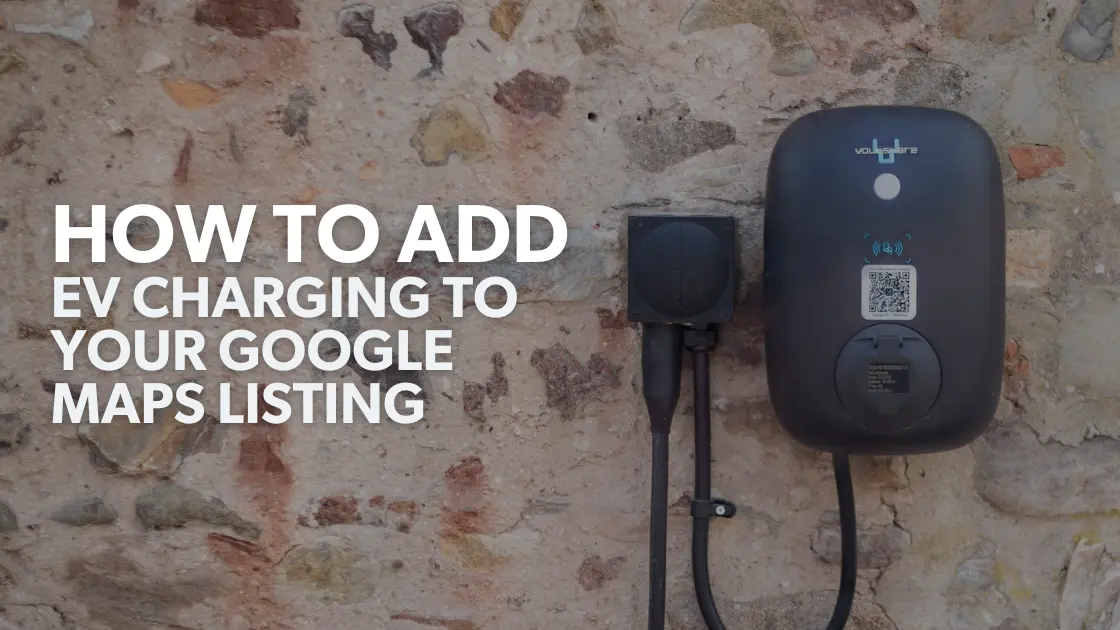
You’ve installed an EV charger at your venue. Now you need drivers to know it’s there.
Google Maps is often where guests check a location before they travel. If charging is available at your hotel, pub, campsite or attraction, make sure the information they find is accurate. That includes whether the charger is open to the public or reserved for customers.
There are two different things you might want to do: show EV charging as a feature of your existing venue, or have the charging point appear as a separate place on Google Maps. Start with your venue listing.
Search for your venue on Google Maps and look at it as a customer would. Is the address correct? Can drivers tell where to park? Does the listing explain who can use the charger?
If you manage the venue’s Google Business Profile, sign in and select Edit profile. Look under More for relevant attributes, such as amenities. The attributes available depend on the type of business, so you may not see an EV charging option.
If an appropriate attribute is available, select it and save your changes. Check the public listing afterwards rather than assuming the edit has appeared straight away.

An EV charger at a venue isn’t always available to every driver. Before promoting yours, decide what you want people to know:
Your website is a good place for the full details. If you edit your Google Business Profile description, you can mention that charging is available, but keep the wording clear and accurate. For example:
“EV charging is available in our guest car park. Please see our website for access and payment details.”
If charging is for overnight guests only, say so. You don’t want someone to make a detour expecting a public charging point they cannot use.
A photo of the charger and its surroundings can help drivers find it when they arrive. Try to show its position in relation to the car park entrance, building or signage, rather than photographing only the unit close up.
You can add photos through your Google Business Profile. Keep them current if the charger moves or the parking layout changes.
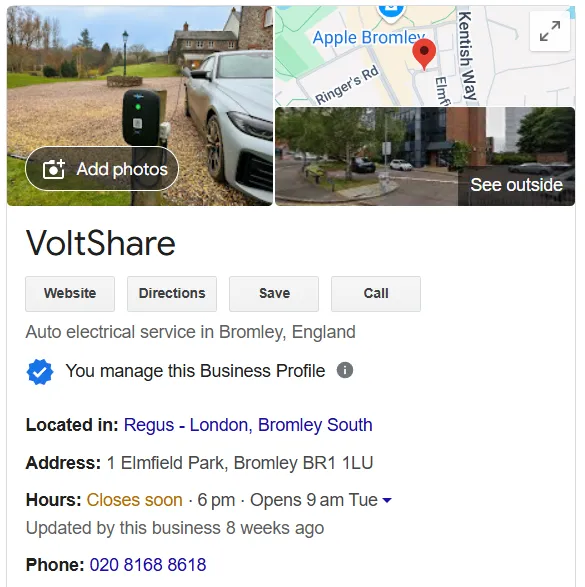
Showing EV charging on your venue’s listing and creating a separate charging-station place are different actions.
If you want the charger to appear as a place in its own right, first search Google Maps to see whether it already has a listing. If it does, check that its location and details are correct. If it does not, Google Maps has an Add a missing place option. Google reviews additions, so submitting one does not guarantee that it will appear.
Think about access before taking this step. A separate listing may bring drivers who are not visiting your venue. That could be useful for a pub or attraction welcoming passing trade, but less useful for accommodation that reserves charging for guests.
Once you’ve made changes, search for your venue again on Google Maps. Check that the listing does not imply public access if charging is restricted. Make sure your website answers the questions a driver will have before setting off, particularly where to park and how to pay.
EV charging can be a useful reason for someone to choose your venue. Giving them accurate information makes it easier for them to arrive, plug in and get on with their visit.
an EV charging solution that’s simple to use, enhances your venue, and generates revenue for your business


supporting over 500 venues


.png)